
Widget
We'll keep you motivated as you build your sleep routine.
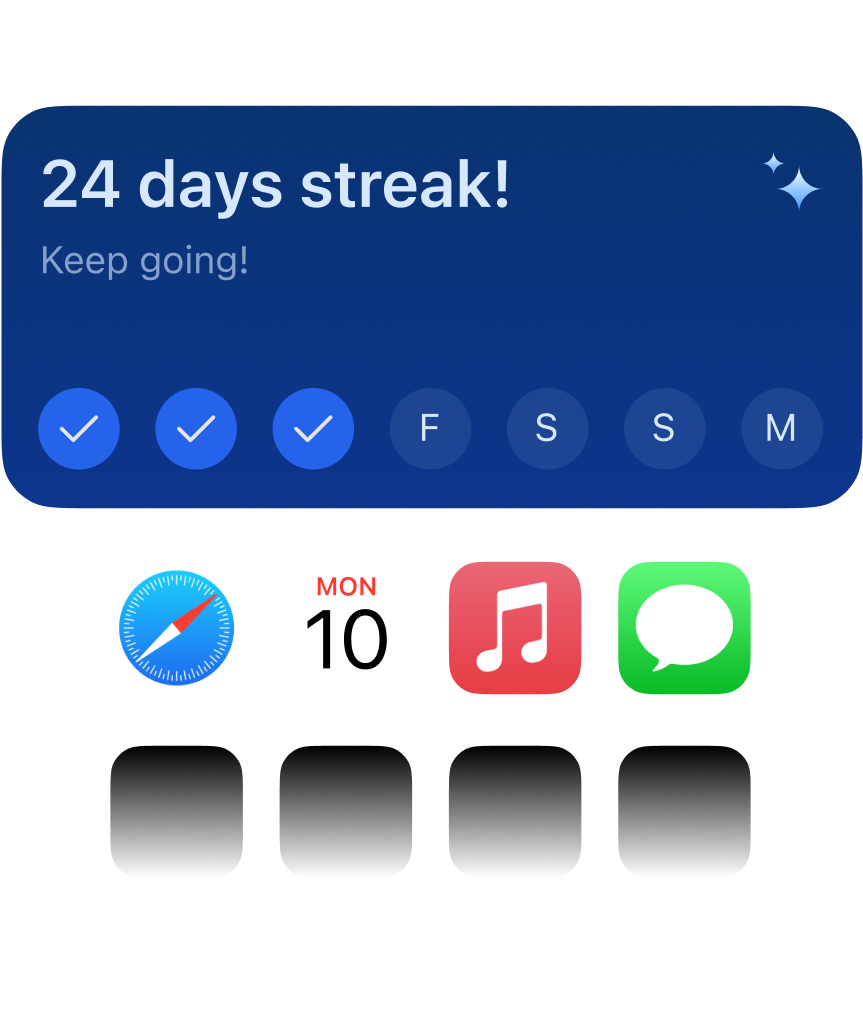
How to Add Desktop Widget
Follow these simple steps to add the GNGM sleep widget to your desktop and track your sleep progress anytime.
1. Long press on desktop blank area
Long press on any blank area of your phone desktop until edit mode appears.
2. Select "Widget" option
Select "Widget" or "Widget" option from the popup menu.
3. Find GNGM app
Find the GNGM app in the widget list and select your preferred widget size.
4. Drag to desktop position
Drag the widget to your desired desktop position and adjust the size to complete the addition.